

Latest Version
JakobDev
Security
Linux
Free
page.codeberg.JakobDev.jdSystemMonitor
Report a Problem
More About jdSystemMonitor
The Struggle of Linux Process Management
Picture this: your Linux workstation suddenly slows to a crawl during a critical compilation or rendering task. You need to quickly identify the resource hog, but your desktop environment's built-in utility is either lagging or lacks the deep technical insights you require. This is where jdSystemMonitor Linux system monitor steps in as an indispensable diagnostic tool.
Developed by JakobDev, this utility is a desktop-independent system monitor tailored specifically for the Linux platform. It bypasses the limitations of environment-specific tools, offering a unified, feature-rich interface that focuses heavily on process management and deep system visibility.
Key Features of the jdSystemMonitor Linux System Monitor
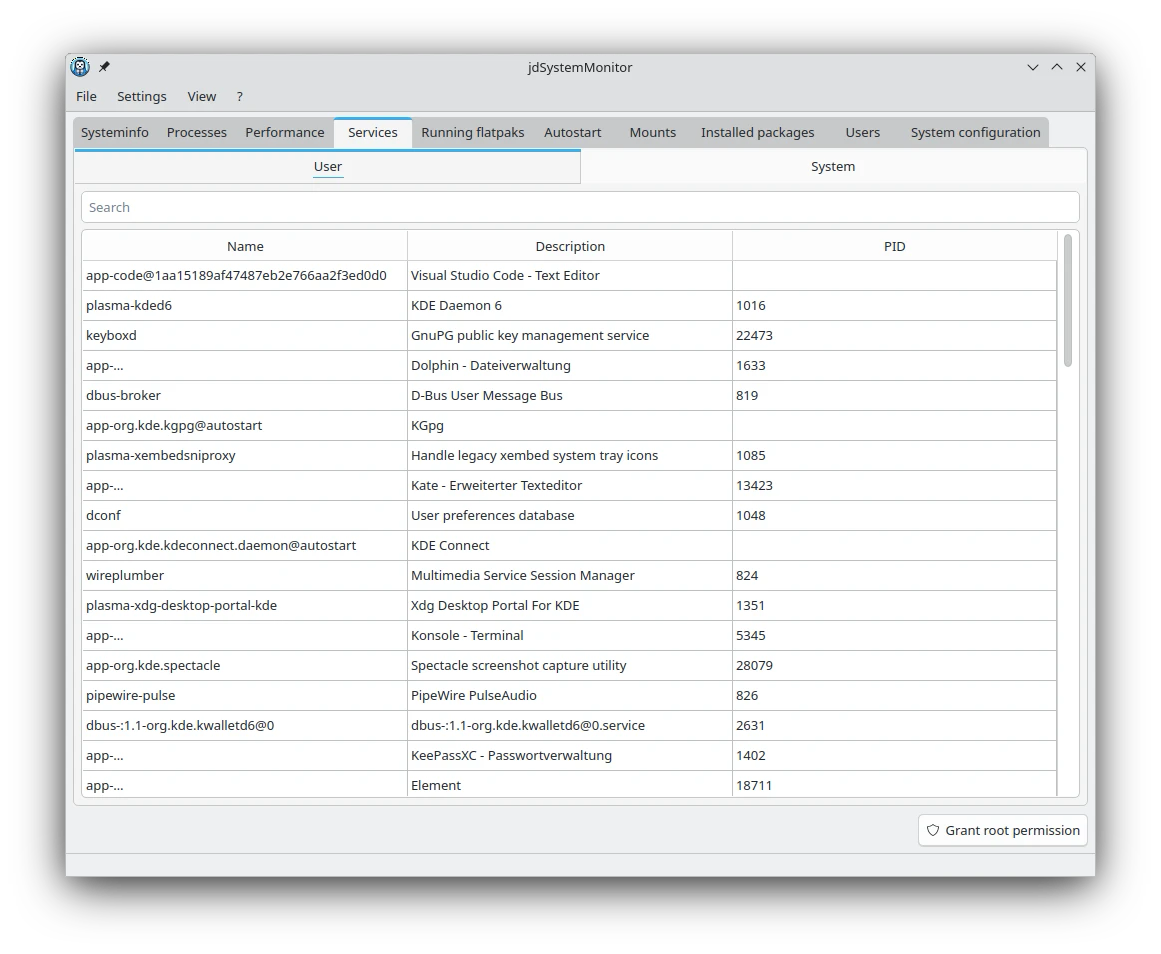
What sets the jdSystemMonitor Linux system monitor apart from standard task managers is its sheer breadth of monitored parameters. It does not just show CPU usage; it acts as a central command center for your operating system's health. Here is what you can monitor and manage:
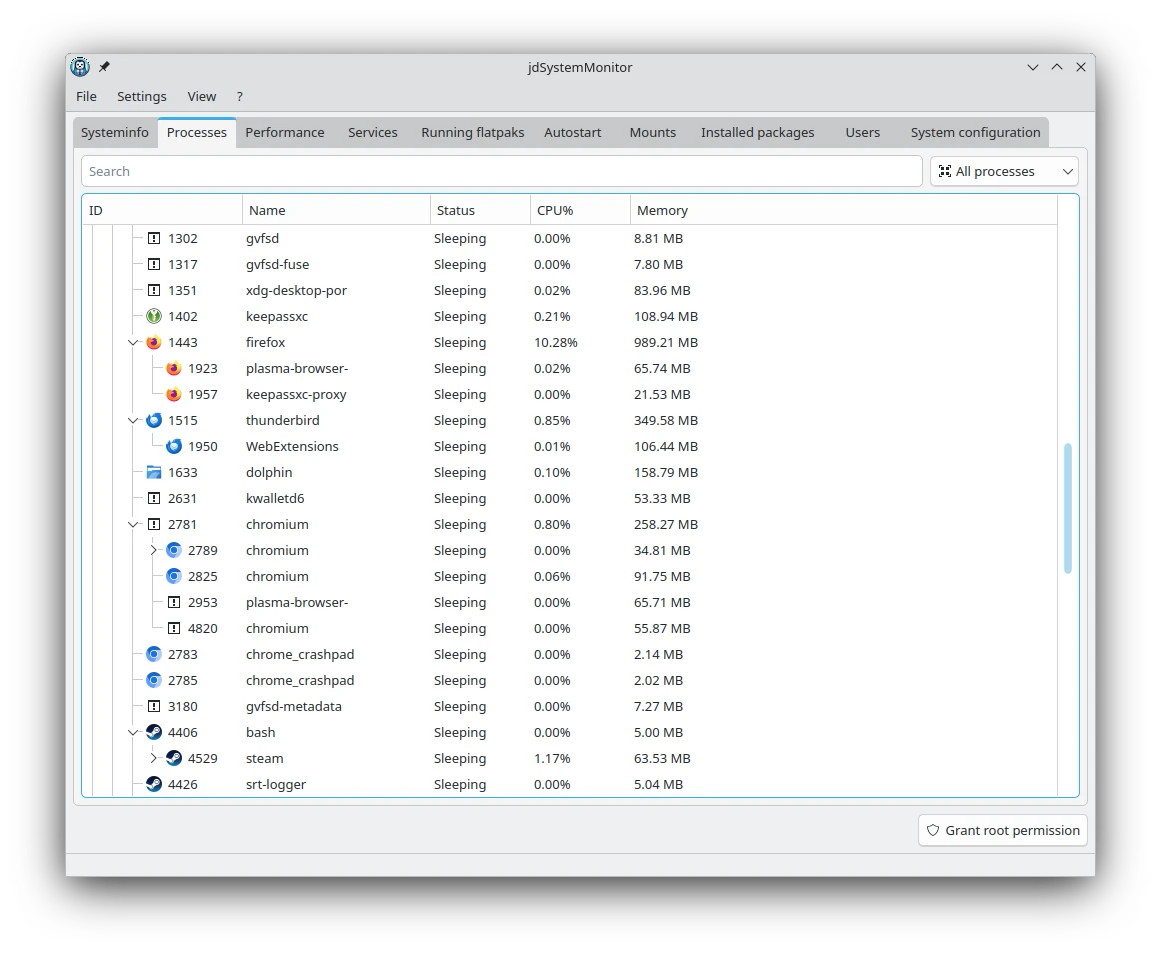
- Advanced Process Control: Track, analyze, and manage active processes to free up system memory instantly.
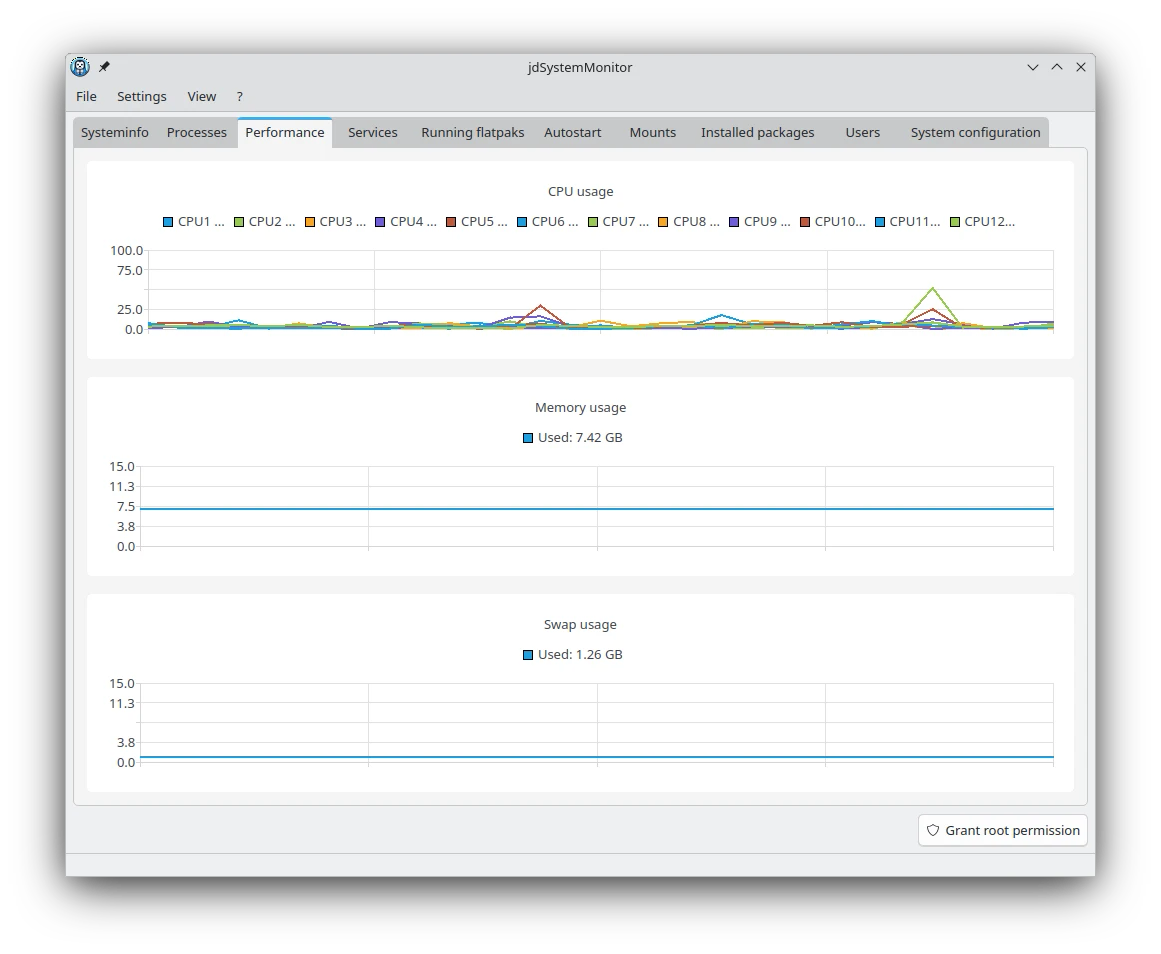
- Core Hardware Metrics: Keep real-time tabs on your CPU load, RAM utilization, and swap partition space.
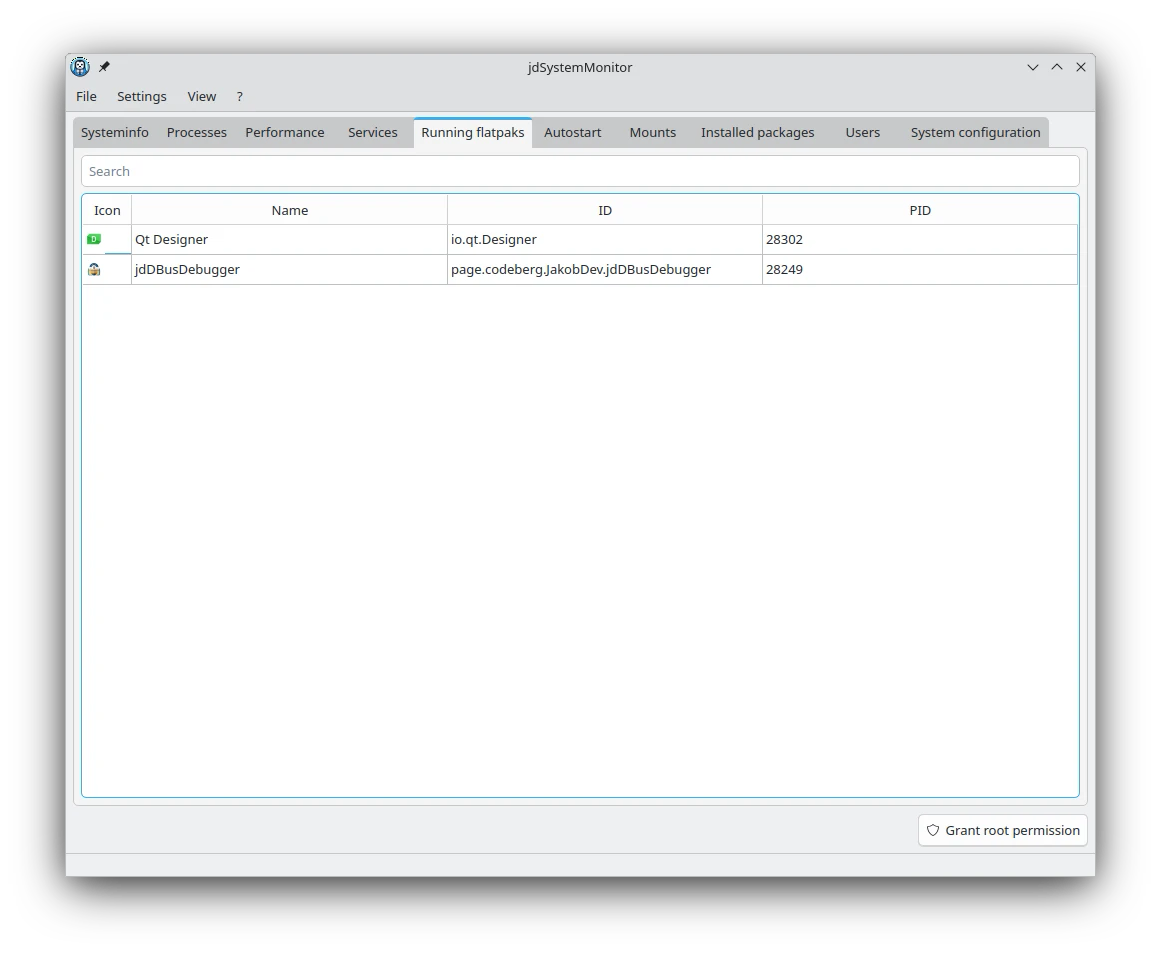
- Flatpak Integration: Easily view running Flatpaks, a crucial feature for modern sandbox-heavy distributions.
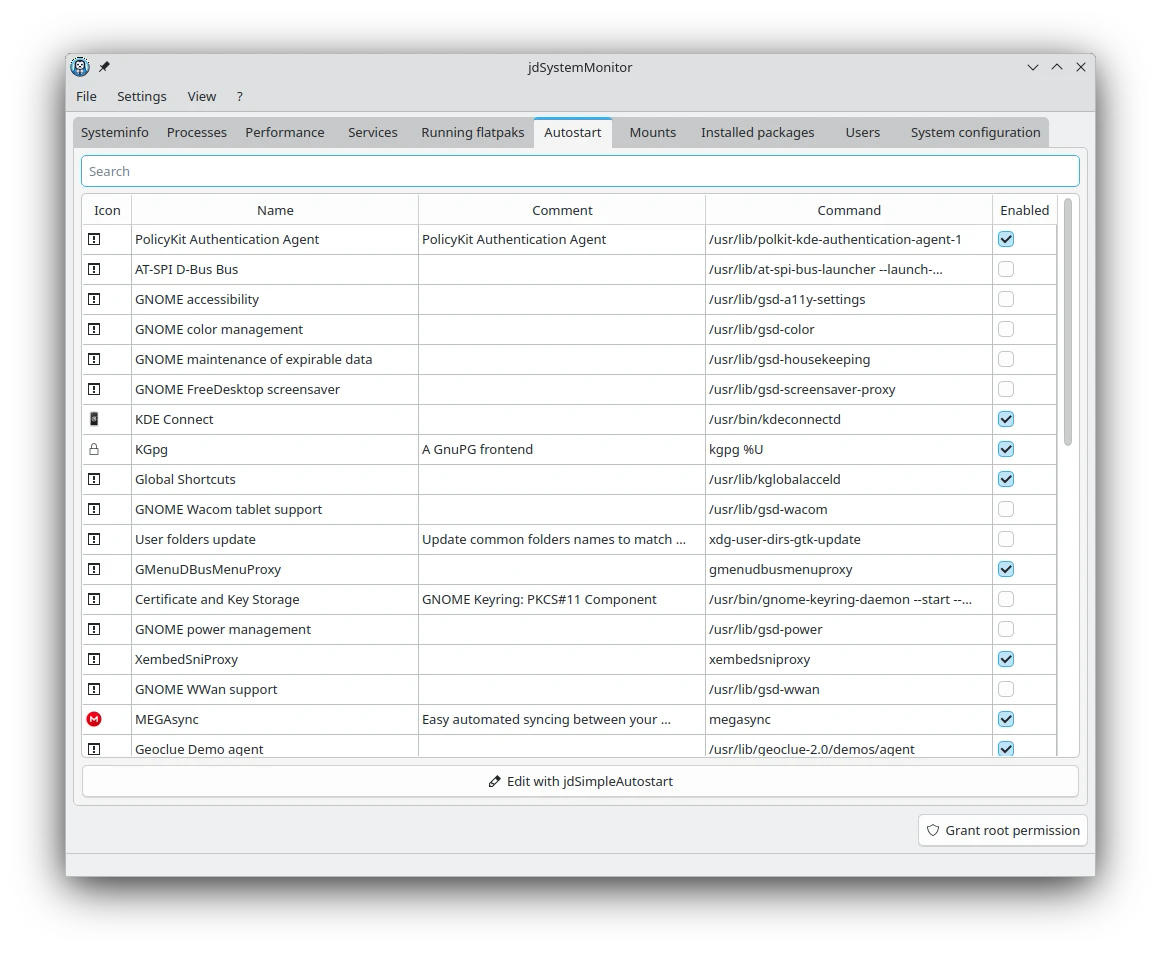
- Autostart & Configuration Auditing: Inspect all programs configured to launch at boot and review overall system configurations.
- Storage & Packages: Monitor all mounted filesystems and browse your list of installed packages in one clean interface.
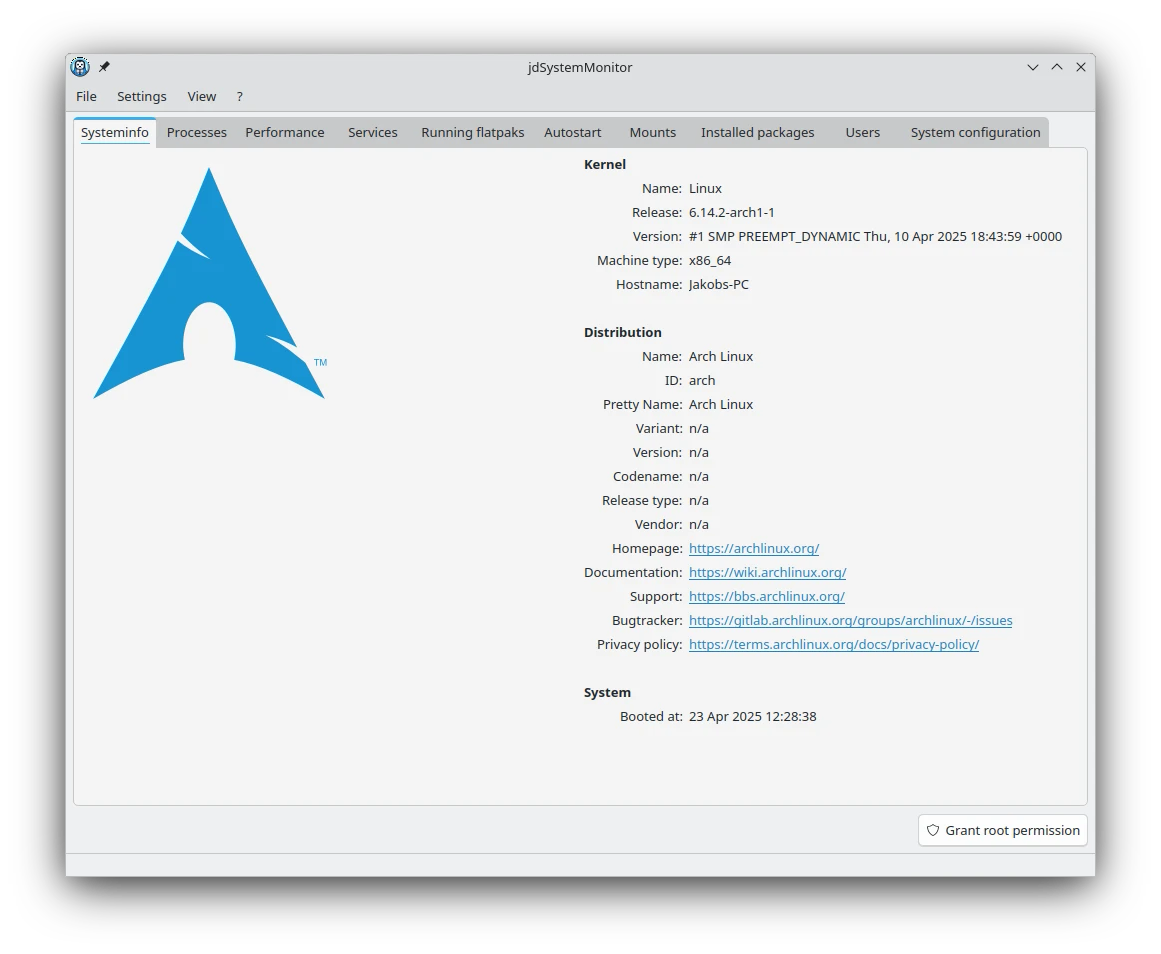
- User & OS Insights: View active users on your system alongside detailed distribution information.
Who Is This System Monitor For?
The jdSystemMonitor Linux system monitor is designed for power users, system administrators, and developers who demand comprehensive oversight of their Linux environment. Because it is desktop-independent, it runs flawlessly across various window managers and desktop environments, making it a highly versatile choice for distro-hoppers and minimalist setup enthusiasts alike.
An Editorial Perspective
In our evaluation, this utility stands out because it consolidates tools that usually require multiple terminal commands or separate GUI apps. Having package lists, autostart entries, and active Flatpaks visible alongside raw CPU and RAM metrics saves valuable troubleshooting time. It is a robust, lightweight security and monitoring companion for any Linux installation.
If you are ready to elevate your system diagnostics, you can learn more and access the application on its official hosting platform by visiting the jdSystemMonitor Flathub page.
Rate the App
User Reviews

Popular Apps









Editor's Choice